Case study · SEDA · 2025–26
SEDA Fast
Getting a SEDA Fast API key used to mean a Telegram message and a wait. I designed the dashboard that handed customers the keys.
- Role
- Head of Product. Research, scope, UX, UI
- Timeline
- Nov 2025 – Sep 2026
- Worked with
- Engineering lead, CEO, full-stack engineers
- Status
- MVP built. Full hub designed, not built
The problem
Customers had no control over their own keys. If one leaked or needed replacing, they couldn't act on it. They had to message us and wait. Every request also pulled someone from engineering or sales off their work.
Before
- Ask in the Telegram group
- Wait for engineering or sales
- Receive the key in chat
- Need to revoke it? Ask again, and wait
With the dashboard
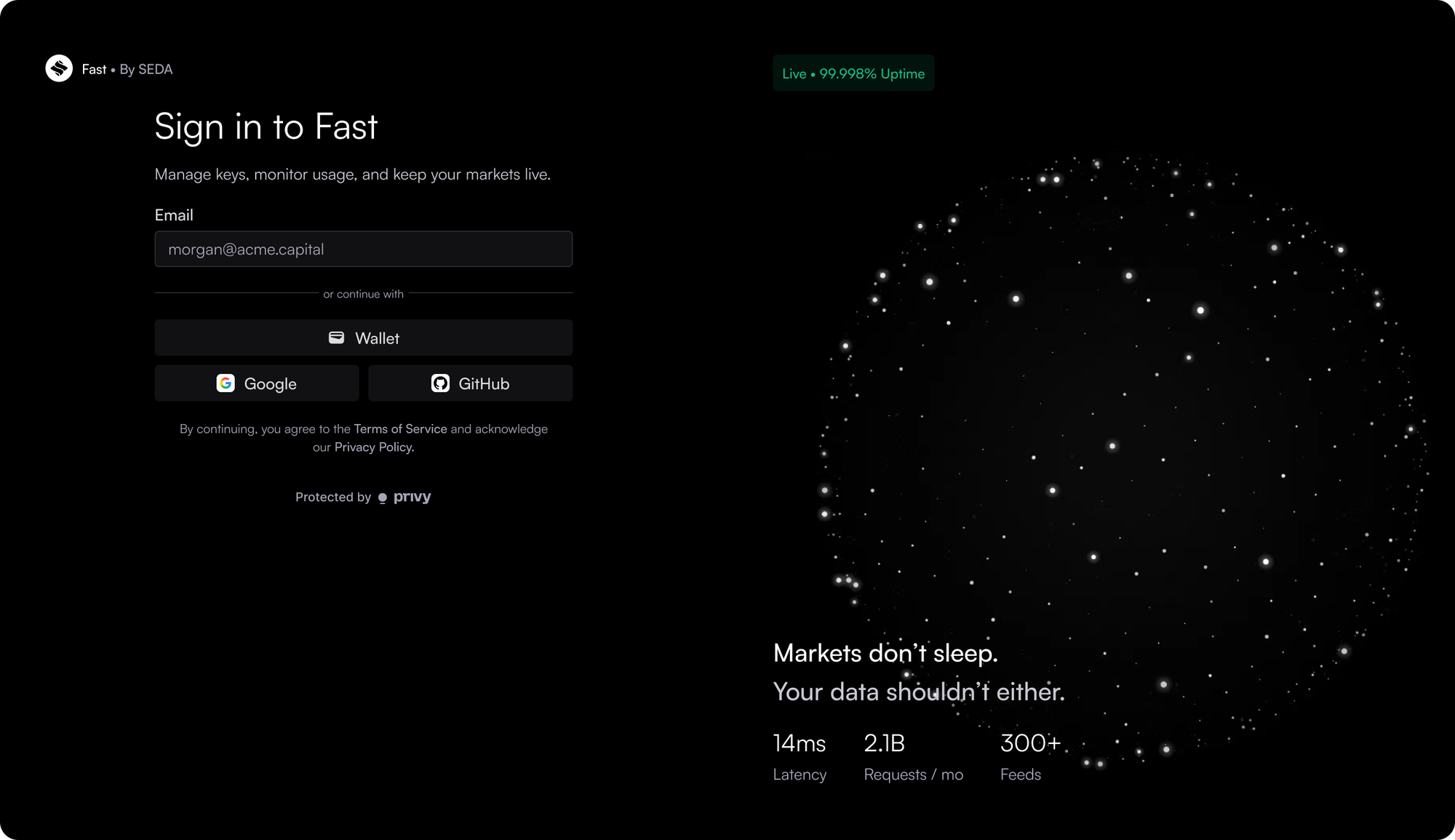
- Sign in
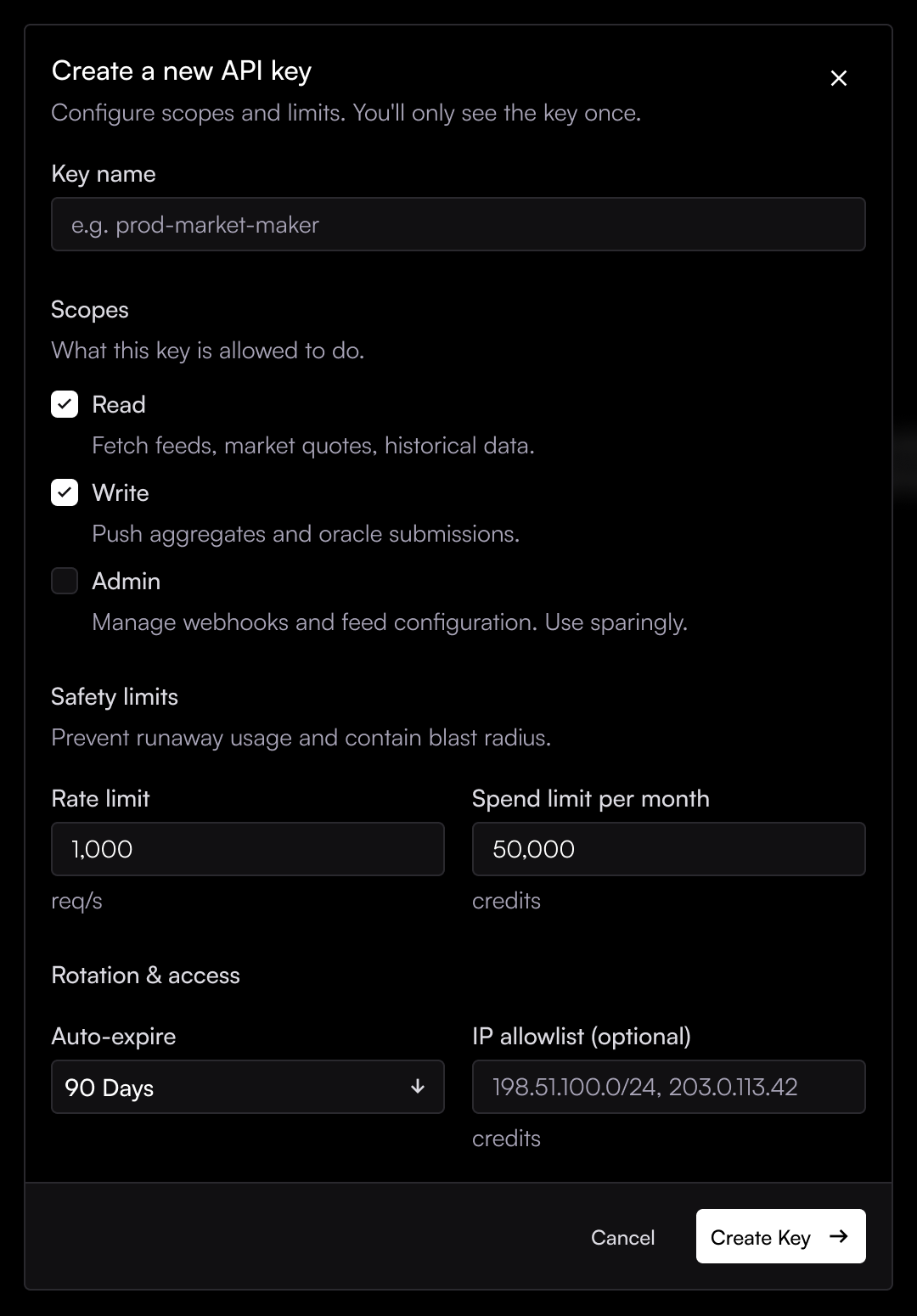
- Create a key
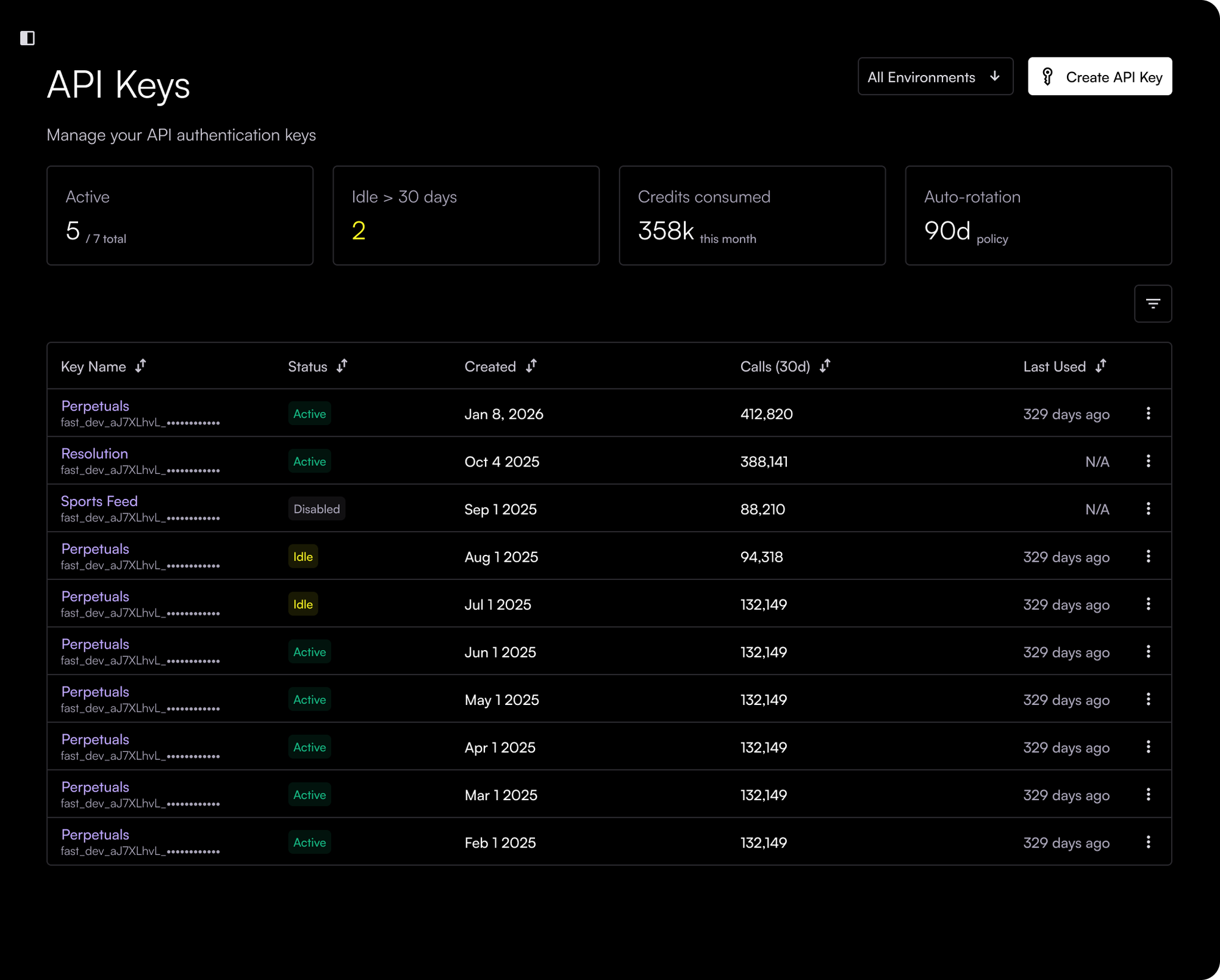
- See every key in one place
- Revoke it yourself, right away
Research
The core features came from the people who'd use it, and from tools they already knew.
A system to build on
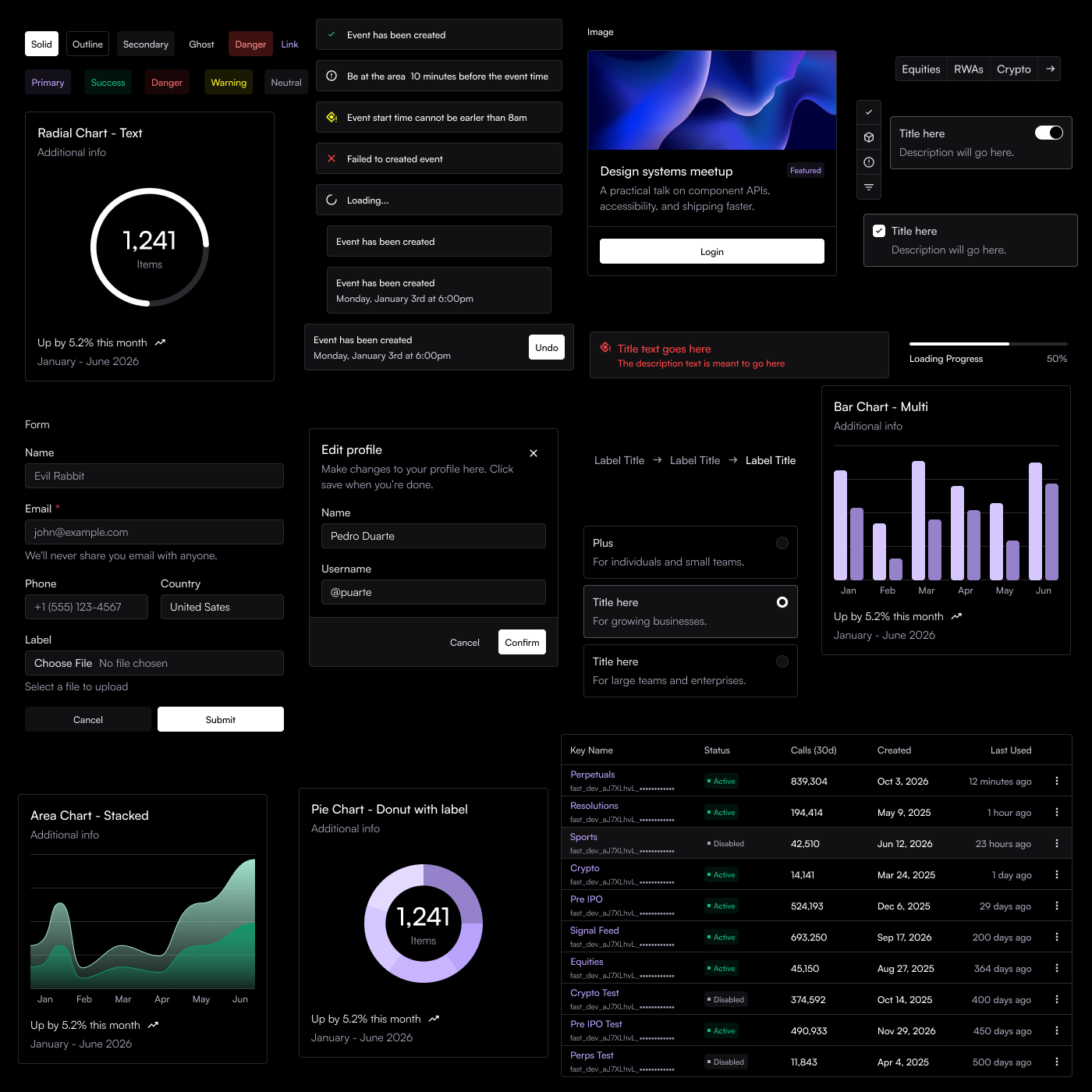
I'd first built SEDA's design system for the explorer revamp. For the SEDA Fast dashboard, I revamped it again, for a more professional, less crypto-alien look that customers would trust with their keys.
The MVP
The project was green-lit, and we built the smallest version that solved the problem: create, view and revoke keys, with one login per customer.
Built
- Sign in
- Create keys
- View all keys
- Revoke keys
Later
- Team logins
- Key detail and usage
- Metrics hub
The full vision
Beyond the MVP, I designed the full scope: a hub where customers could track their own metrics, with larger products living in the same app. This part was shaped by research on similar tools rather than interviews.
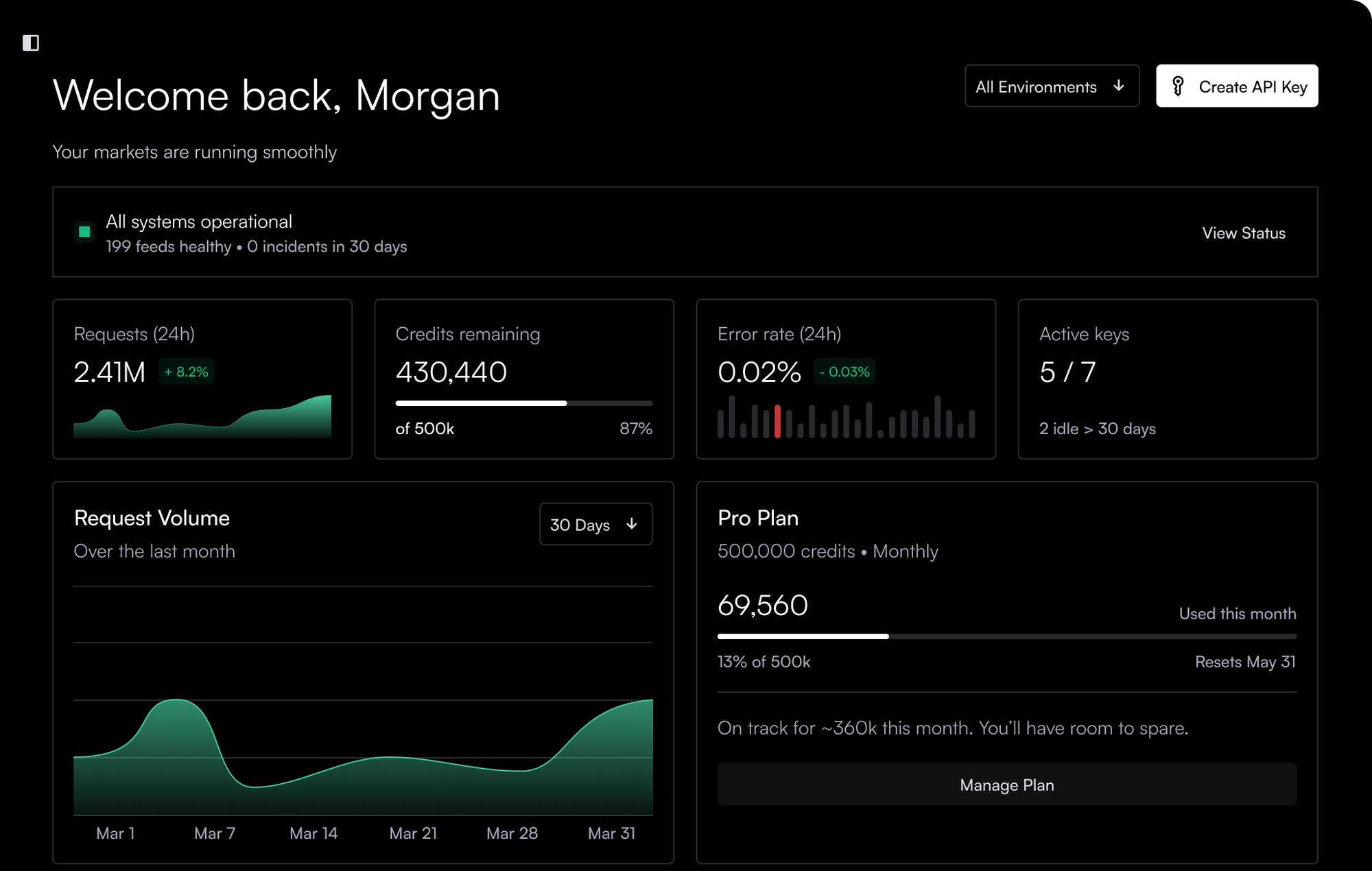
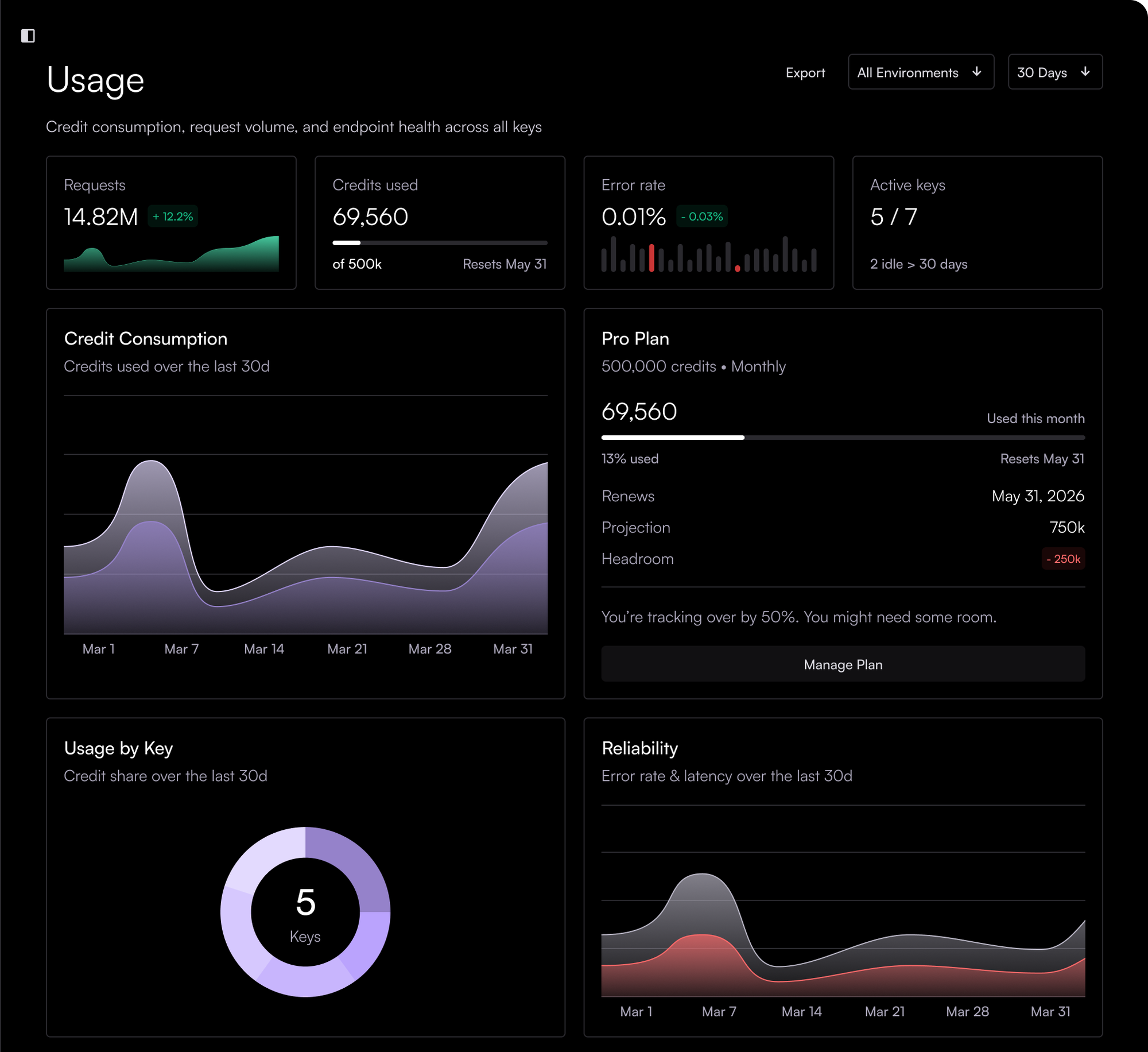
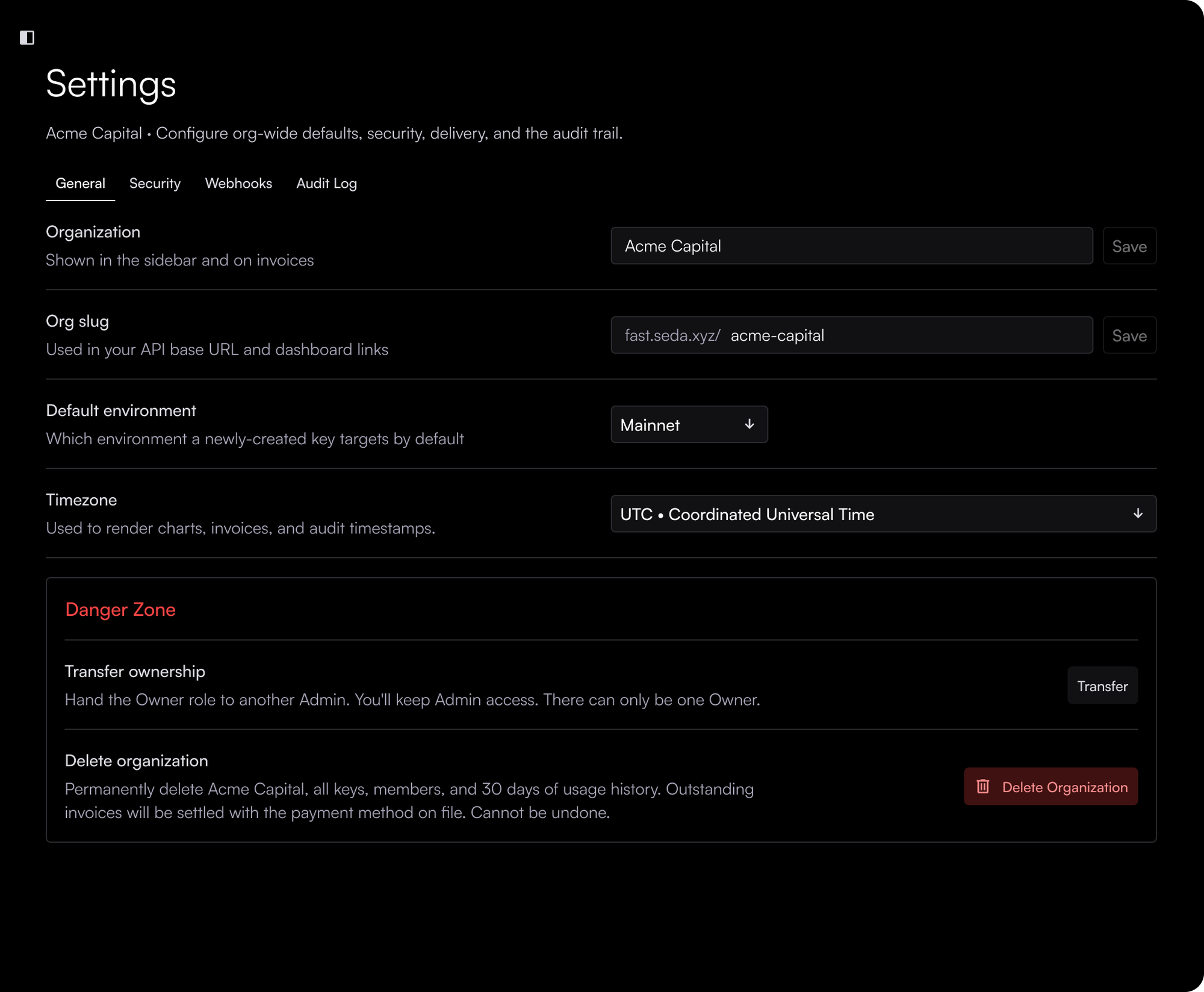
Where it landed
The MVP was built. I left SEDA in October 2026, before the hub went into development, so there are no usage numbers to share. What's here is the thinking, the research and the design.
Looking back
I'd have built it sooner. Giving customers control of their own keys makes them feel reassured and in control, and I believe it would have helped retention.
Many of the features we planned would also have been useful to our own team internally.